quickbooks subscription comparison
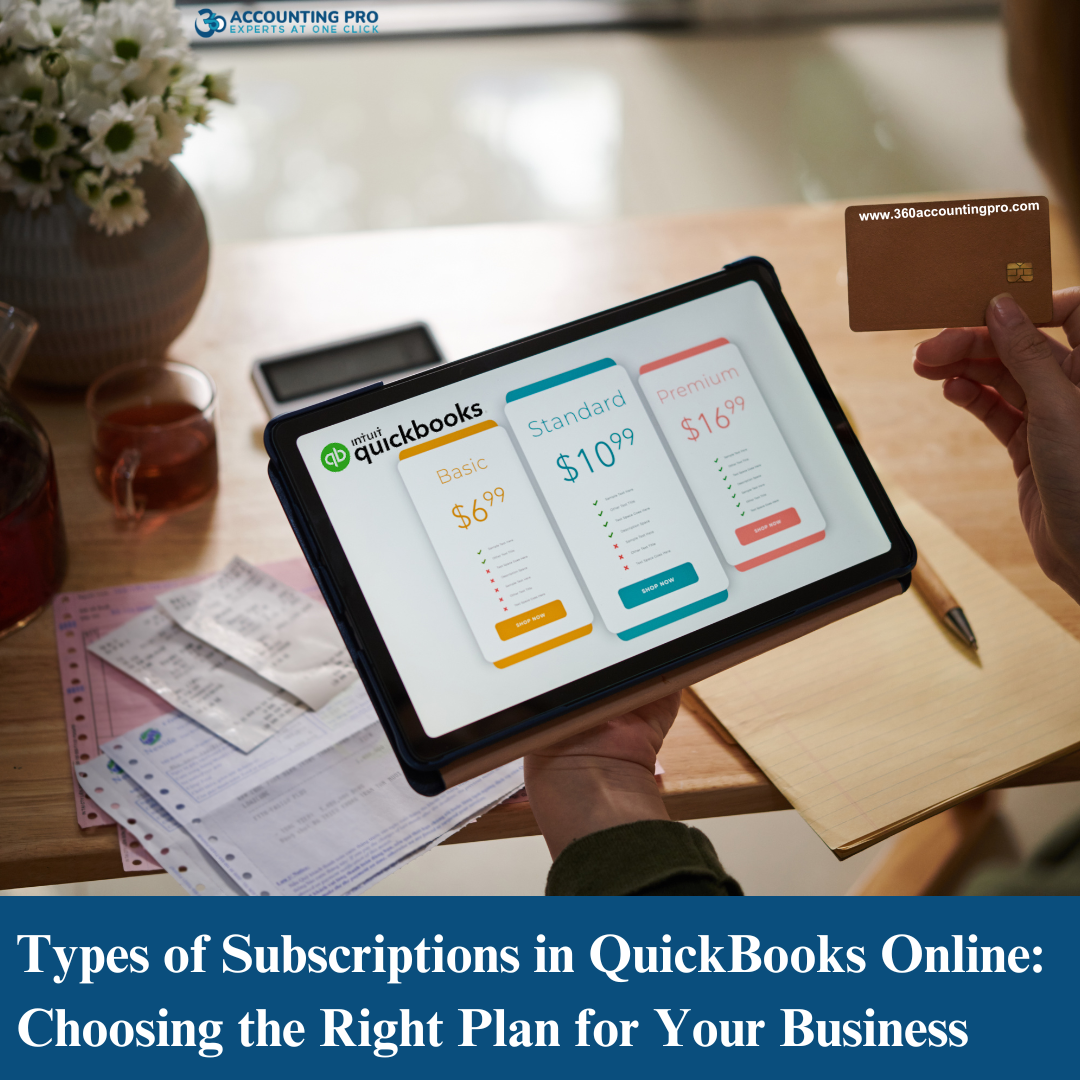
Types of Subscriptions in QuickBooks Online: Choosing the Right Plan for Your Business
12-02-25
QuickBooks Online is one of the most widely used cloud-based accounting solutions, offering various subscription plans to suit businesses of all sizes. Whether you’re a freelancer, small business owner, or managing a growing company, understanding the types of QuickBooks Online subscriptions can help you choose the right plan for your financial needs.
At 360 Accounting Pro Inc., we specialize in QuickBooks Online setup, management, and advisory services, helping businesses maximize their subscription benefits. In this blog, we will cover the types of QuickBooks Online subscriptions, QuickBooks Online pricing, and how working with a QuickBooks Online ProAdvisor can save you money and provide additional benefits.
What is a QuickBooks Online Subscription?
A QuickBooks Online subscription provides access to cloud-based accounting tools, allowing businesses to track income, expenses, invoices, and financial reports from anywhere. Unlike traditional desktop software, QuickBooks Online offers flexibility, automatic updates, and real-time data synchronization across multiple devices.
Intuit, the parent company of QuickBooks, offers various subscription plans with different features, pricing, and billing cycles.
Types of QuickBooks Online Subscriptions
1. QuickBooks Online Simple Start
Best for freelancers and solo entrepreneurs
Track income and expenses
Capture and organize receipts
Invoice customers and accept payments
Run basic reports
Track sales tax
Cost: Starts at $30/month
2. QuickBooks Online Essentials
Everything in Simple Start, plus:
Manage and pay bills
Track time for billable hours
Allow up to three users
Cost: Starts at $60/month
3. QuickBooks Online Plus
Everything in Essentials, plus:
Track inventory
Manage project profitability
Allow up to five users
Track income & expenses by location or class
Cost: Starts at $90/month
4. QuickBooks Online Advanced
Best for growing businesses with complex accounting needs
Everything in Plus, plus:
Advanced reporting tools
Custom user permissions (up to 25 users)
Smart automation & workflows
Dedicated customer support
Integrated business analytics
Cost: Starts at $200/month
What Does ‘Intuit Charge’ Mean and How Often Are You Billed?
If you see "Intuit Charge" on your credit card or bank statement, it means that Intuit has billed you for your QuickBooks Online subscription or another QuickBooks-related service.
QuickBooks Online Billing Frequency:
Monthly Subscription: Most QuickBooks Online plans are billed monthly on a recurring basis.
Annual Subscription: Some plans may offer discounted annual pricing for upfront payments.
If you signed up for QuickBooks Payroll, QuickBooks Payments, or additional add-ons, you may see separate charges under "Intuit Charge."
Benefits of Using a QuickBooks Online ProAdvisor for Subscription Management
A QuickBooks Online ProAdvisor, like 360 Accounting Pro Inc., can help you save money, optimize your QuickBooks setup, and provide expert support. Here’s why you should consider working with a ProAdvisor when managing your QuickBooks subscription:
1. Discounts on Subscription Fees
ProAdvisors often have exclusive discounts on QuickBooks Online subscriptions, which can save you up to 50% on your monthly fees.
2. Customized Plan Selection
Not sure which QuickBooks Online plan is right for you? A QuickBooks ProAdvisor can assess your business needs and recommend the most cost-effective subscription.
3. Hassle-Free Setup & Migration
Setting up QuickBooks Online correctly is crucial to avoid accounting errors. A ProAdvisor can:
Set up chart of accounts
Configure tax settings
Integrate bank feeds & payment processing
Migrate data from QuickBooks Desktop or other accounting software
4. Ongoing Support & Training
A ProAdvisor provides ongoing QuickBooks training and expert guidance to ensure your books are accurate and tax-ready.
5. Integration with Business Apps
QuickBooks Online works with hundreds of third-party applications like Shopify, Gusto, and HubSpot. A ProAdvisor can help you integrate these tools seamlessly into your accounting system.
How 360 Accounting Pro Inc. Can Help You Maximize Your QuickBooks Online Subscription
At 360 Accounting Pro Inc., we offer comprehensive QuickBooks Online support to help businesses choose the right plan, set up their accounts, and optimize financial workflows.
Exclusive QuickBooks Subscription Discounts
Expert Setup & QuickBooks Migration
Ongoing Bookkeeping & Accounting Support
Tax-Ready Financial Reporting
QuickBooks Troubleshooting & Training
Don’t overpay for your QuickBooks Online subscription! Contact 360 Accounting Pro Inc. today and let our certified QuickBooks ProAdvisors help you save money and optimize your accounting system.
Tags : #QuickBooksOnline, #CloudAccounting, #QuickBooksProAdvisor, #AccountingSoftware, #BusinessAccounting, #SmallBusinessAccounting, #FreelancerAccounting, #QuickBooksSetup, #QuickBooksSupport, #QuickBooksPricing, #QuickBooksSubscription, #BusinessFinance

Comments
Post a Comment